NAVISWORKS
Learn professional BIM coordination, clash detection, 4D simulation, project visualization, and model review workflows using Autodesk Navisworks.
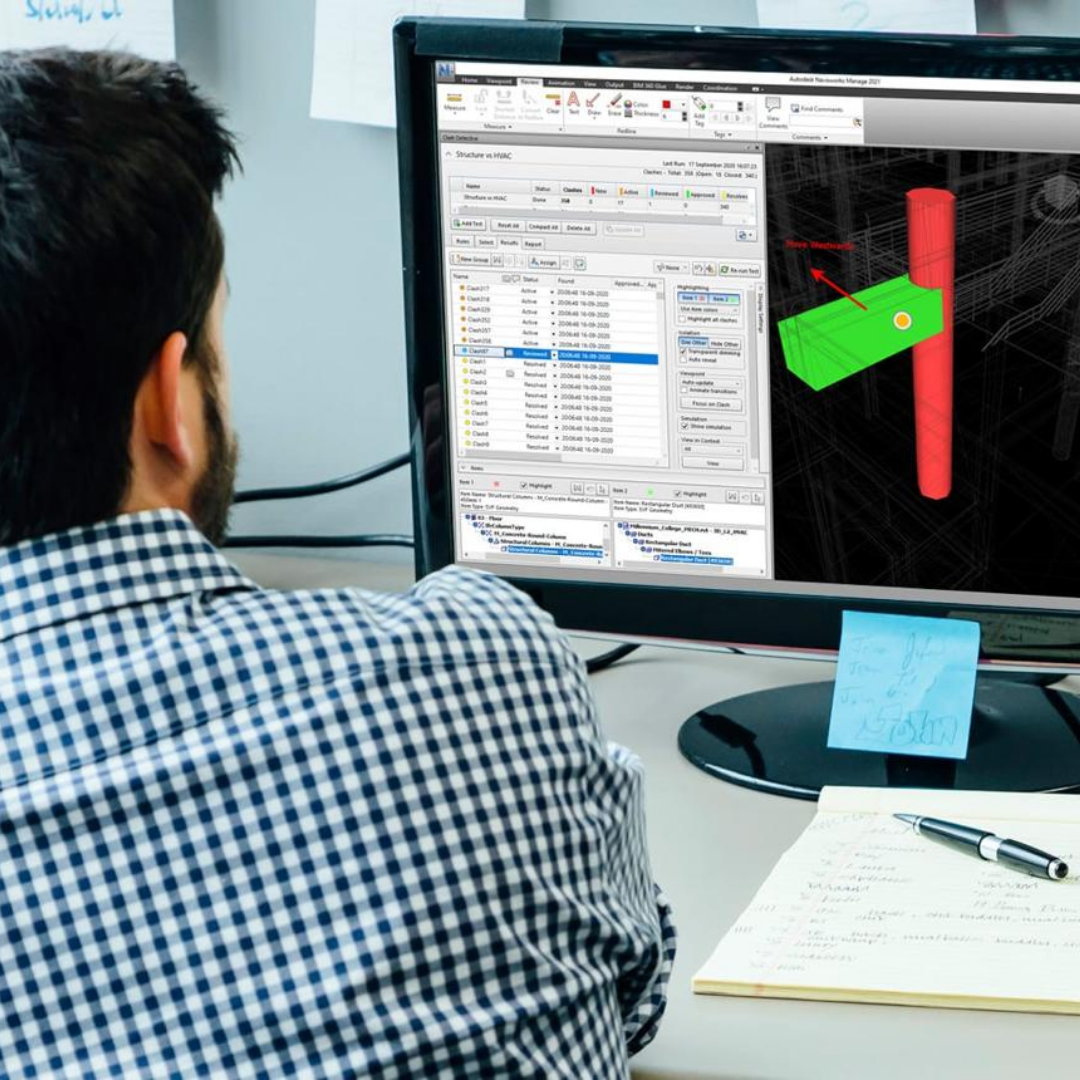
Complete Navisworks Course
Beginner → Advanced Level Training
Course Overview
Navisworks is a powerful BIM coordination and project review software used in architecture, engineering, and construction industries for integrating multiple 3D models into a single unified project environment. This course helps students master model coordination, clash detection, 4D construction sequencing, project simulation, walkthrough creation, rendering, and BIM collaboration workflows using Autodesk Navisworks. Students will learn how to combine Revit, AutoCAD, SketchUp, and other BIM files into one project for project review and construction management. The course also focuses on identifying design conflicts before construction begins, helping save project time and cost. With practical real-time workflows and industry-level projects, students gain professional BIM coordination skills required for large-scale infrastructure and construction projects.
Course Syllabus
Getting to Know Navisworks
Exploring the Interface, Ribbons, and Indicators
Files and File Types
File Aggregation
Object Enablers
Moving Around the Model
Navigation Tools and ViewCube
Object Properties
Managing Models
Search and Selection Sets
Navigating the Selection Tree
Understanding Viewpoints
Creating Animations
Using Sections
Introducing Timeliner
4D Simulation Best Practices
Clash Detection
Working with Rules
Understanding Clash Results
Clash Reports
Presenter Overview
Applying Materials
Lighting the Model
Enhancing Scenes with RPC
Rendering
Scene Effects
Animator Overview
Manipulating Geometry
Exporting Animations
Contractor Workflows and Concepts
Leveraging Navisworks in the BIM Process
Model Data Tools
In-depth Project Browser
Mastering Links