CREO Mechanical Course
Learn Creo Mechanical from beginner to advanced level and master 3D product design, parametric modelling, assemblies, sheet metal, surface modelling, and industrial product development workflows used in manufacturing and engineering industries.
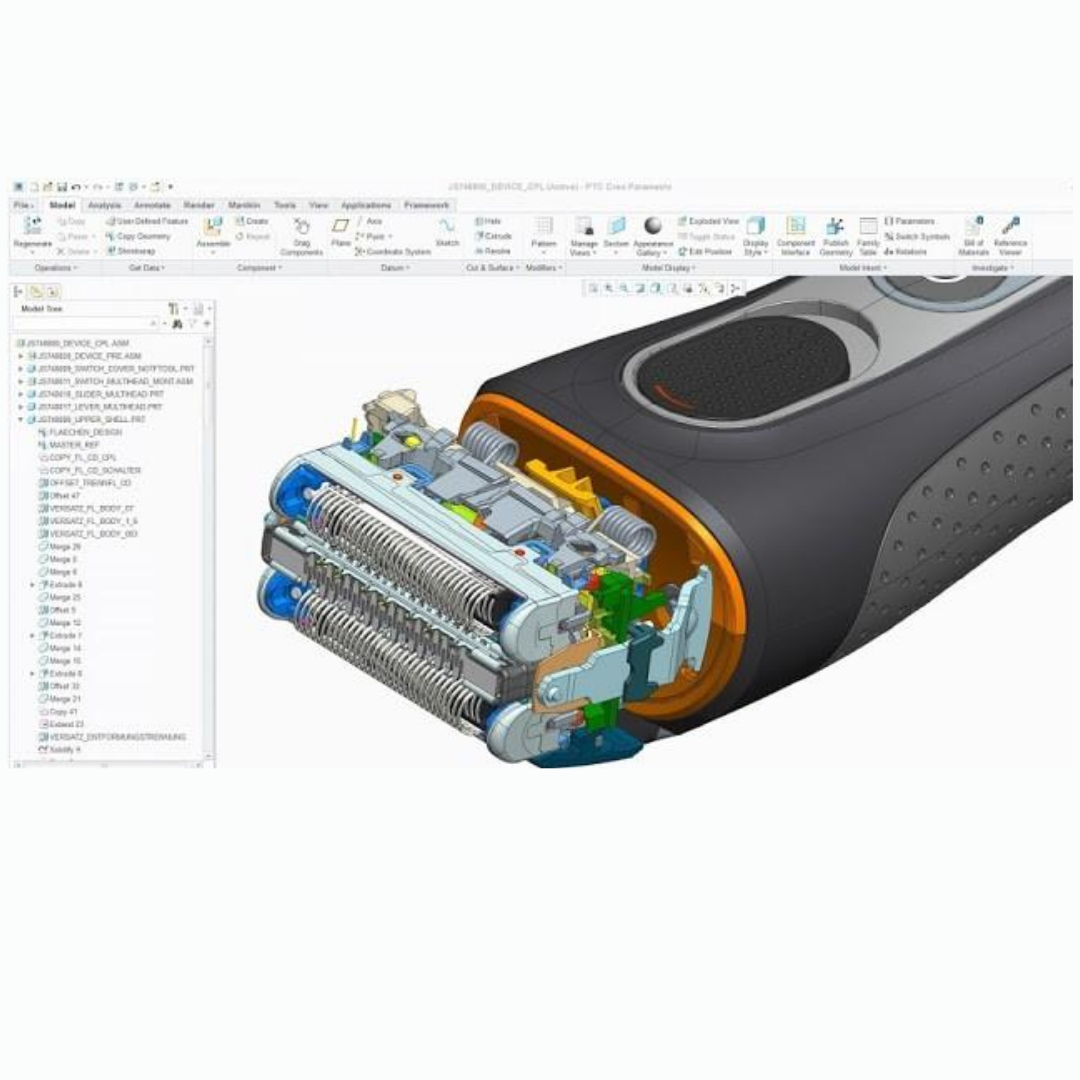
Complete CREO Mechanical Training
Beginner → Advanced Level Training
Course Overview
CAD DESK Mysuru offers a complete CREO Mechanical course designed for students, engineers, and professionals who want to build strong product design and mechanical engineering skills. CREO is one of the leading parametric CAD software tools widely used in automobile, manufacturing, industrial equipment, and product development industries. This course covers sketching, part modelling, assembly design, surface modelling, sheet metal design, drafting, and advanced engineering workflows. Students will learn how to create accurate 3D models, complex assemblies, industrial components, sheet metal products, and production-ready engineering drawings. The course includes practical exercises, industry-oriented projects, and real-time design workflows to help students gain hands-on experience with professional engineering standards. By the end of the training, students will confidently create professional mechanical designs, work on industrial product development projects, and handle advanced Creo modelling workflows efficiently.
Course Syllabus
About CAD DESK
CAD/CAM/CAE Concepts
About Creo Parametric Software
Set Working Directory
Interface of Creo and View Toolbar
Creating Sketch Geometry
Construction Geometry
Editing Tools
Dimensions and Constraints
Inspect Tools
Creating Solid Features
Creating Cut Features
Tweak Features
Rib Features
Engineering Features
Datum Plane Usage
Pattern Tools
Hole Features
Round and Chamfer Tools
Shape Feature Tools
Blend and Tangent Tools
Surface Editing Tools
Freeform Surface Modelling
Surface Trimming
Surface Extensions
Surface Merging
Introduction to Sheet Metal
Primary Wall Features
Secondary Wall Features
Sheet Metal Modification
Sheet Metal Bend
Die and Punch Forms
Flat Pattern Creation
Introduction to Assembly
Assembly Approaches
Constraint Assembly
Connection Assembly
Exploded Views
Replace and Repeat Components
Assembly Analysis
Creating Drawing Sheets
Orthographic Views
Section Views
Dimensioning
GD&T Concepts
BOM Creation
PDF and Print Output