CATIA Mechanical Course
Learn CATIA Mechanical from beginner to advanced level and master 3D modelling, surface design, assembly design, sheet metal design, drafting, rendering, and industrial product development workflows used by automobile and aerospace industries.
Complete CATIA Mechanical Training
Beginner → Advanced Level Training
Course Overview
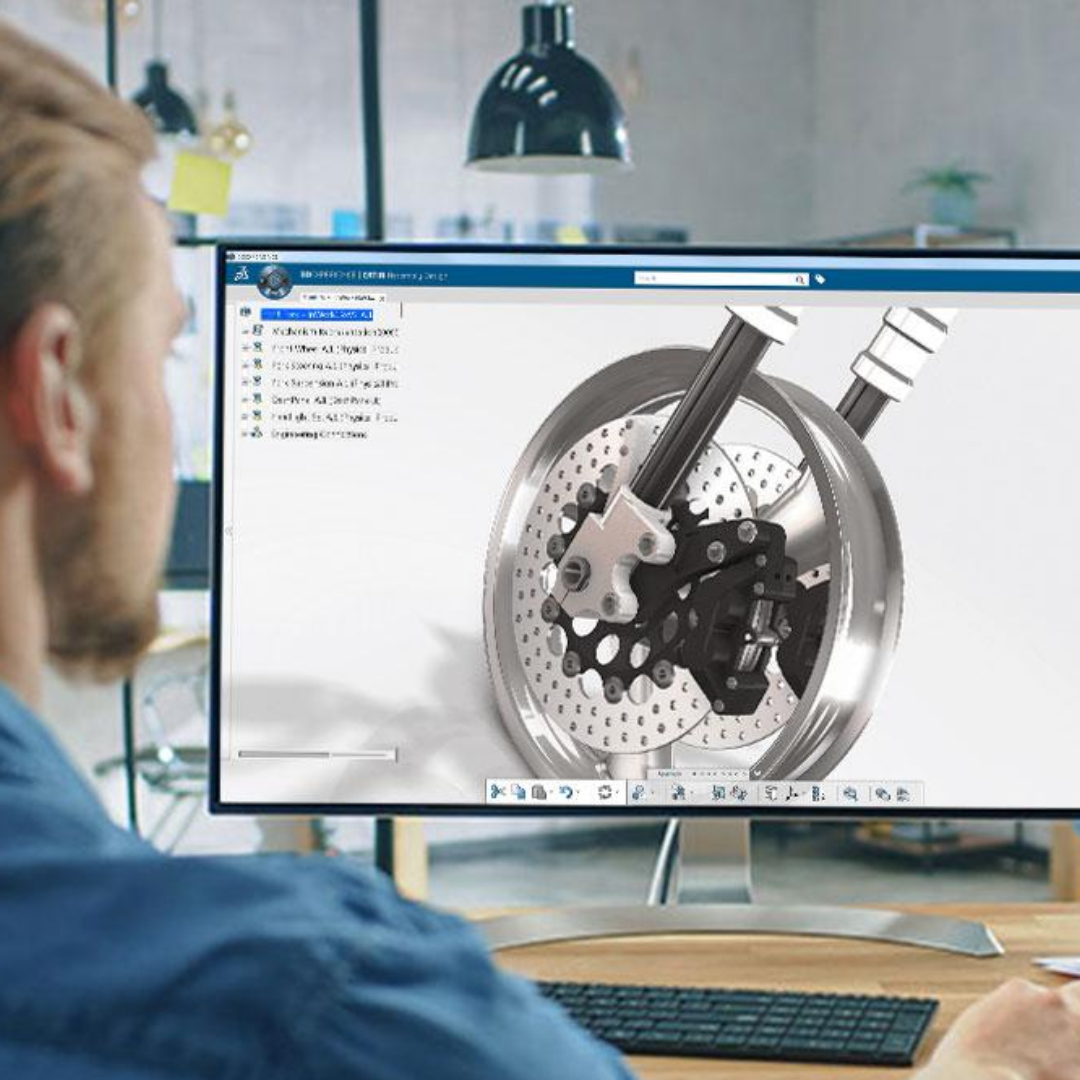
CAD DESK Mysuru offers a complete CATIA Mechanical course designed for students, engineers, and professionals who want to build strong skills in product design, mechanical modelling, and industrial engineering workflows. CATIA is widely used in automobile, aerospace, manufacturing, and industrial design industries for advanced 3D design and engineering. This course covers sketching, part design, assembly modelling, sheet metal design, surface modelling, drafting, rendering, and advanced design workflows. Students will learn how to create accurate 3D models, complex assemblies, production-ready mechanical components, and detailed engineering drawings used in real-world projects. The training focuses on hands-on practical learning with industry-based projects and real engineering workflows. By the end of the course, students will confidently create professional mechanical designs, handle complex CATIA tools, and work efficiently on industrial product development projects.
Course Syllabus
Introduction to PDC & CAD/CAM/CAE
Introduction to CATIA V5
GUI of CATIA V5
Profile Toolbar
Sketch Tools
Operations
Constraints
Sketch-Based Features
Dress-Up Features
Reference Elements
Transformation Features
Boolean Operations
Material and Rendering
Assigning Material to Models
Advanced Modelling Tools
Measuring Elements
Wireframe and Surface Design Workbench
Introduction to Assembly
Top-Down and Bottom-Up Approach
Product Structure Tools
Constraints
Applying Constraints
Interference Detection
Sectioning an Assembly
Exploding an Assembly
Working with Sheet Metal Workbench
Sheet Metal Parameters
Bend Allowance
Sheet Metal Walls
Creating Flanges and Hems
Creating Bends and Rolled Walls
Folding and Unfolding Parts
Flat Pattern Creation
Stamping
Extruded Surface
Revolved Surface
Swept Surface
Lofted Surface
Boundary Surface
Fill Surface
Surface Trimming
Filleting Surfaces
Surface Thickness
Surface Cut Operations
Sheet Preparation
Drawing Views
Dimensioning
Annotations
Output as PDF