AutoCAD Mechanical Course
Learn AutoCAD Mechanical from beginner to advanced level and master drafting, technical drawings, 2D design, annotation tools, layers, blocks, productivity tools, and 3D modeling with real-world industry workflows.
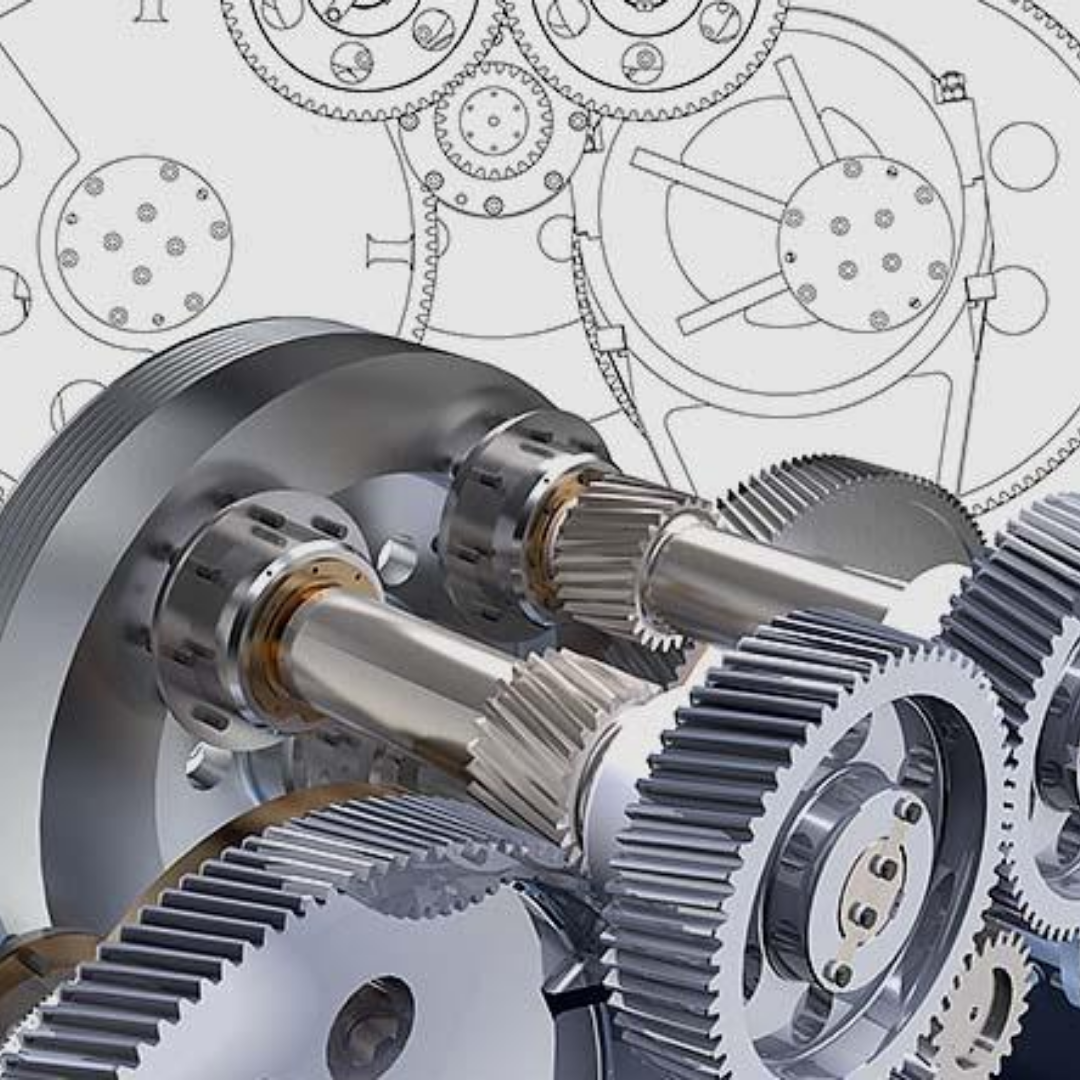
Complete AutoCAD Mechanical Training
Beginner → Advanced Level Training
Course Overview
CAD DESK Mysuru offers a complete AutoCAD Mechanical course designed for students, engineers, and professionals who want to build strong skills in mechanical drafting and design. The course covers technical drawing concepts, drafting standards, projection theory, drawing tools, annotation tools, productivity features, layouts, parametric drawings, and 3D modeling workflows. Students will gain practical knowledge in creating precise mechanical drawings, editing complex designs, organizing layers, managing blocks and attributes, and generating professional engineering documentation. This hands-on project-based training helps learners apply industry-level workflows in real-world design situations. The training is conducted by experienced industry professionals and focuses on improving drafting speed, design accuracy, technical visualization, and productivity. By the end of the course, students will confidently create professional mechanical drawings, handle advanced AutoCAD tools, and work efficiently on industrial mechanical design projects.
Course Syllabus
Introduction to CAD DESK
Introduction to AutoCAD
Fundamentals of Technical Drawings
Theory of Projection
GUI of AutoCAD
Drawing Tools
Drafting Settings
Modify Tools
Dimensions
Texts
Multileader
Tables
Annotation Style Managers
Layer Properties Manager
Working with Layers
Isolate and Unisolate Layers
Design Centre and Tool Palettes
Create and Edit Blocks
Adding and Editing Attributes
Managing Attributes
Layouts and Page Setup
Template Creation
Linking and Extractions
Hatch and Gradients
Parametric Drawings
Isometric Drawings
Orthographic Views using Projection
Import and Export
Workspace Switching
Solid Creation Tools
Solid Editing Tools
Applying Materials
Light and Scene Settings
Rendering
Motion Path Animation